
1D Barcodes
Use a supported linear symbology where the identifier and available label space fit the scanning task.
Identification Technology
Connect barcode scanning, mobile applications, label generation and industrial printing with operational and enterprise systems.
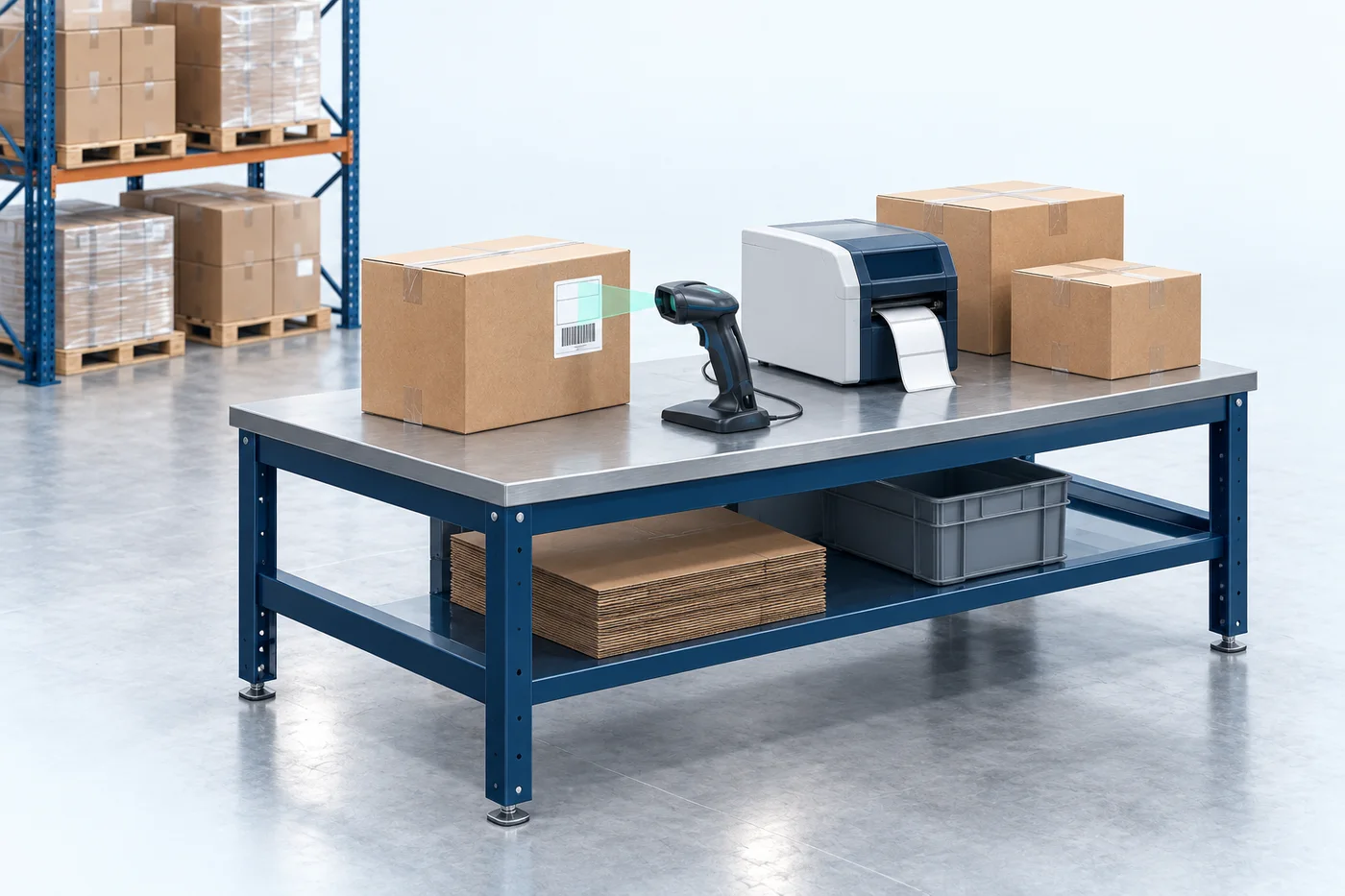
A label supplies identity; the workflow supplies meaning
Conceptual flow
Decode the identifier
Check item, location and task
Submit and retain the posting result
A barcode encodes information that an optical reader can decode. The application determines whether that value is a material, pallet, location or other identifier and checks it in the current task. A scan should not be interpreted as a stock movement without the required context.
CoEnablers can connect supported scanners and printers with mobile applications and backend interfaces. The work includes identifier design, parsing, label templates, scan validation and posting feedback. An existing label may be reusable, but its data meaning, readability and printer format must be assessed first.
Technologies
Use a supported linear symbology where the identifier and available label space fit the scanning task.
Consider a suitable two-dimensional code for the required data and reader capabilities; define parsing rather than treating every code as plain text.
Assess the interface, scan mode and distance needed for operator-led work.
Combine the scanner with a guided task, user context and immediate validation feedback.
Evaluate lighting, orientation, trigger timing and integration at repeatable conveyor or station points.
Connect supported command languages and templates to controlled label data and reprint rules.
Select dimensions, material and adhesive for the surface, environment and required lifetime.
Parse the code, resolve identity and prepare a validated transaction through the enterprise interface.
| Consideration | Barcode | RFID | Hybrid |
|---|---|---|---|
| Capture | Intentional optical scan; label must be visible | Radio observations; no direct optical line-of-sight requirement | Choose capture method per checkpoint |
| Infrastructure | Often inexpensive labels with scanner and print controls | Tags, antennas and read-zone engineering add complexity | Shared identity across labels and tags |
| Application | Operator confirmation of a selected unit | Automatic or group identification where suitable | Automatic movement with deliberate exception handling |
Neither method removes the need for validation, usable identifiers or a reliable enterprise interface.
Read material and destination labels to verify an intended transfer.
Check selected stock against order or shipment context before confirmation.
Capture the unit and operation being confirmed, including source-lot references where required.
Read an asset label during issue, return or physical verification.
Provide stable references for storage positions and handling units, with controlled replacement and reprints.
Match the code, data length and label size to the selected reader. Verify output after template or consumable changes.
Test scanning at working distance and under expected lighting, dust and damage conditions.
Assess adhesion, cleaning, abrasion and temperature exposure over the label's required lifetime.
Minimize typing and make the expected scan clear. Use feedback that distinguishes a decode from an accepted task.
Define which actions may queue, which need current master data and how conflicts are reviewed after reconnecting.
Confirm printer commands, label formats and identifier ownership. Reprints should not accidentally generate new stock identity.
Choose the symbology from the required identifier or data, label dimensions, customer standards and scanner support. Trial actual printed labels at working distance before standardizing a format.
Many industrial mobile computers have a scan engine exposed through a vendor API or input service. Camera-based scanning is another option for suitable devices. Device model and software support determine the implementation.
A backend or mobile workflow can trigger a supported printer with controlled label data. Agree when a new identifier is created, when a reprint is allowed and how failed print jobs are handled.
Validated scan workflows can prepare transactions for available SAP interfaces. A decoded code must first be associated with the relevant material, task and business rules; the posting result should be visible to the operator.
Selected tasks can be designed with local data and queued events. Actions needing current allocation or status may require connectivity. Reconnect handling must address stale data, duplicates and conflicts.
Yes, with a shared identity model and clear event rules. A barcode confirmation and an RFID observation of the same handling unit should not independently post the same movement.
A 1D code represents data through a linear pattern; a 2D code uses a two-dimensional pattern. Suitable data capacity and reader support vary by symbology. The choice should follow the label and operational requirement.
Possibly, after reviewing the printer model, command language, fonts, template and data fields. Test the rendered label and decoded value; a format from one printer family is not automatically portable.
Discuss your workflow
Share sample label formats, scanner and printer models, workflow steps and current ERP/WMS interfaces.