
Manual location entry
Typed location codes can be entered incorrectly, especially under time pressure during receiving.
Implementation Example
Implementation ExampleGuided, scan-verified receiving and putaway using Android handhelds, replacing typed location entry with a scan-based check.
A representative implementation pattern based on established barcode putaway workflows, not a named customer deployment.
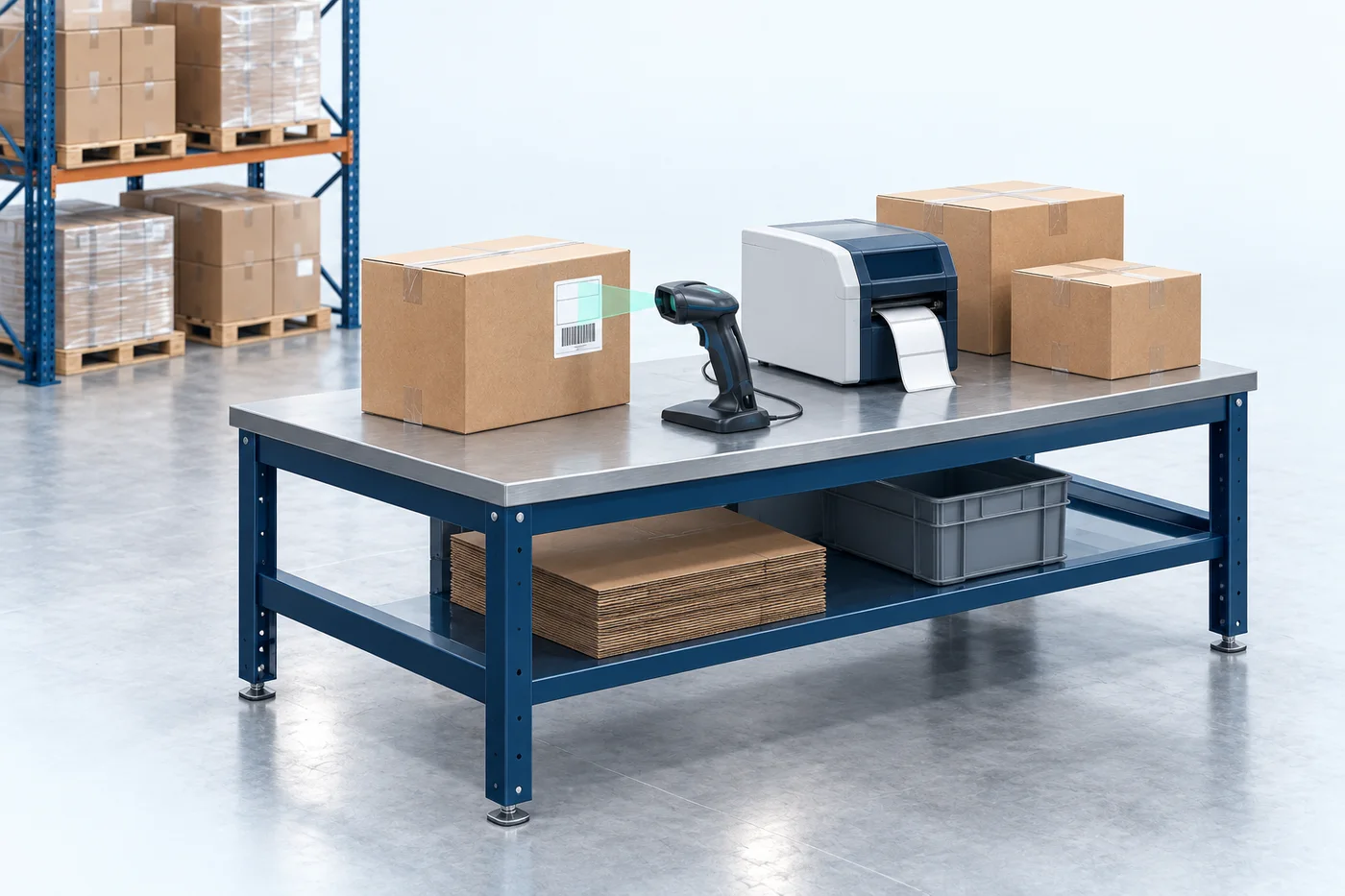
Receiving to putaway, scan by scan
Putaway workflow
Typed location codes can be entered incorrectly, especially under time pressure during receiving.
Incoming material may arrive with labels that do not match the warehouse's own identification scheme.
A pallet or item may be physically placed in one location while the system still reflects another.
Errors introduced at putaway surface later as failed or delayed picks.
Inbound material is commonly received against a purchase order or advance shipment notice, then moved to a storage location that an operator selects and records by typing a location code into the WMS or a paper log.
Where labels exist, they may be generated by the supplier in a format that does not align with the warehouse's own location or handling-unit scheme, requiring a manual cross-reference step.
Because the location entry happens after the physical move, there is no point at which the system confirms the operator actually placed the material where the record says it went.
A scannable identifier for incoming material or pallets that matches the warehouse's own scheme.
A workflow that presents or confirms the destination location rather than relying on memory or a paper pick list.
A scan-based check that the material was placed at the location the system expects.
An update to the location record only after the physical placement is verified.
The approach replaces typed location entry with a scan-based confirmation at both ends of the putaway task: the material or pallet label, and the storage location label.
An Android handheld with an integrated scanner guides the operator through receiving, presents or accepts a destination location depending on the workflow, and requires a location scan before the putaway is marked complete.
Where supplier labels do not match the warehouse's own identification scheme, the workflow can print a compatible label using an industrial printer at receiving, so the barcode or QR code scanned later in the warehouse belongs to a known handling-unit or item reference.
Material arrives and is checked against the expected purchase order or shipment.
A compatible barcode or QR label is applied or confirmed, printing one if required.
The operator scans the material or pallet label to identify it in the workflow.
The operator scans the storage location label to confirm placement.
The workflow checks the material-to-location association before accepting it.
The confirmed location is posted to the inventory or WMS record.
The item is later selected against an order using the same location record.
The pick is verified and released against the expected shipment.
Operators are directed through receiving and putaway rather than relying on memory or a paper list.
A scan-based check confirms the material was placed at the expected location.
Location capture comes from a scan pair rather than free-text entry.
A recorded sequence of putaway and movement events available for review.
Confirmed putaway and pick events can be posted to ERP or WMS as business transactions.
Not every Android device includes an enterprise-grade scan engine; device selection affects scan speed and reliability in warehouse conditions.
Labels need to withstand warehouse conditions and remain scannable at the point of use, which affects material and placement choice.
Guided workflows depend on network coverage across the warehouse floor; gaps need an agreed offline or retry behavior.
A workflow needs a defined path for damaged labels, mismatched scans or locations that do not exist in the system.
Discuss your workflow
Tell us how material is received, labeled and put away today. We can help design a guided, scan-verified workflow.