
Barcode Scanner
Use the built-in scan engine and trigger through the supported API or input service where available.
Mobile Operations
Turn rugged Android handhelds into guided operational tools for scanning, RFID, inventory, warehouse and production workflows.
An operator task, connected to enterprise rules
Conceptual flow
Select a task; scan the required identity
Validate and show clear feedback
Submit the request and display its status
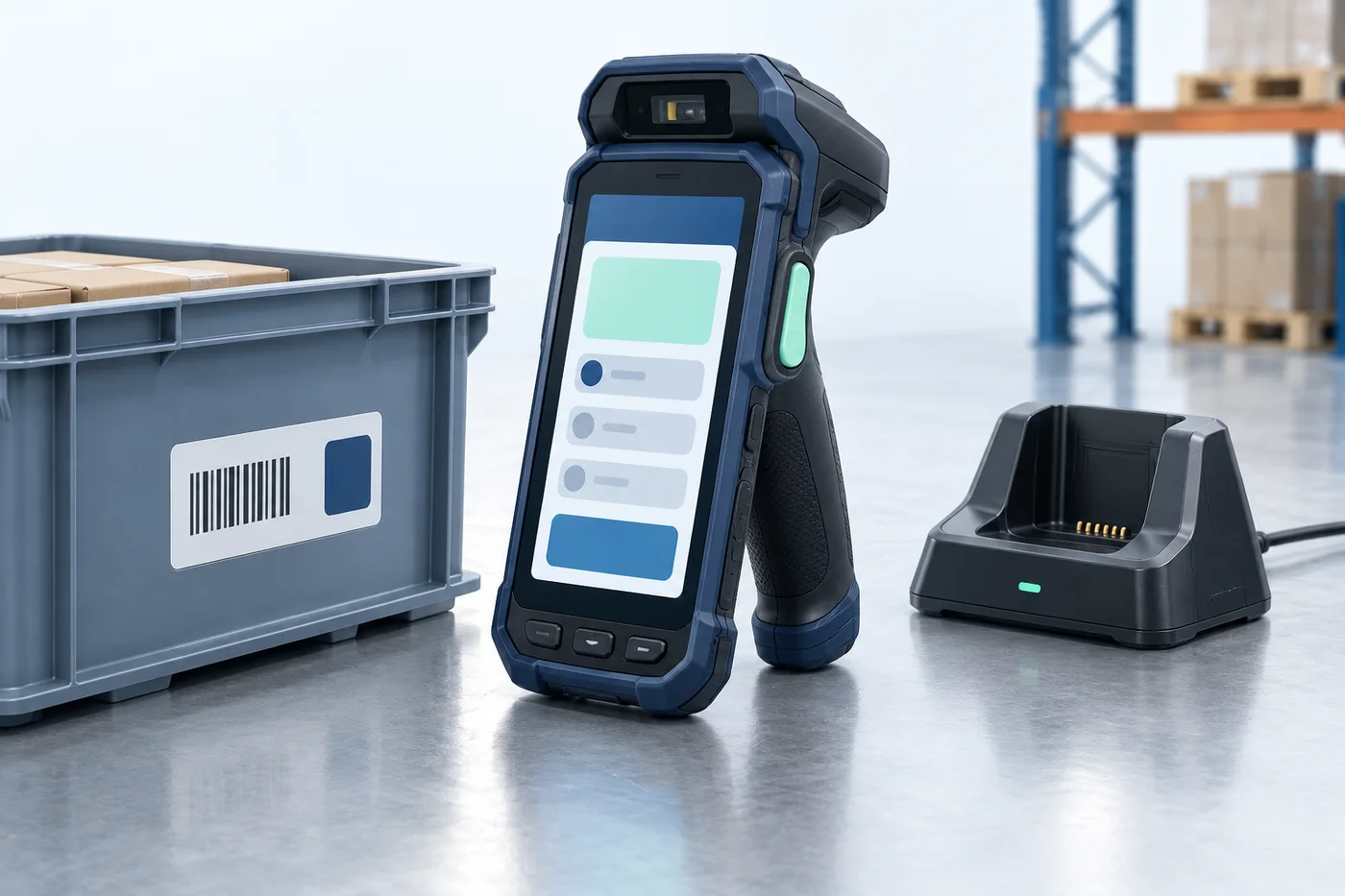
A handheld application joins device capabilities with the next operational decision. It should tell the operator what to scan, validate the result in context and distinguish accepted, pending and rejected transactions. A generic scan text box rarely provides enough guidance for receiving, putaway or production work.
CoEnablers can integrate supported scanner APIs, RFID SDKs and printer interfaces with mobile workflows and backend services. Device selection must account for the exact model, Android version, vendor software, accessories and the site's working conditions. Integration depends on vendor interfaces, SDKs, APIs and device capabilities.
These capabilities vary by model and accessory. They are not present on every Android device.
Technologies
Use the built-in scan engine and trigger through the supported API or input service where available.
Check radio support, SDK version, connection management and the supported inventory/search functions.
Use image capture or NFC only where the device and workflow support the required operation.
Assess roaming, coverage and accessory connections under actual warehouse conditions.
Design for working posture, readable task information and practical touch targets.
Scope local cache and queues with permissions, retention, restart behavior and conflict handling.
Confirm printer language and connection method for Wi-Fi, Bluetooth or backend print services.
Offline behavior is a workflow choice, not a switch that makes every transaction safe without a network. A count observation may be queueable while a task requiring current allocation or quality status may need to wait. Agree which data may be cached and what happens if it becomes stale.
A designed local queue should preserve event identity across reconnects and restarts. The backend validates queued requests against current rules and returns their status. Operators need a clear view of pending and rejected work, with an approved correction path instead of silently resubmitting the same scan.
Capture inbound identity and confirm material plus destination location in the assigned task.
Guide a scoped count or verify the selected unit against an order without unnecessary typing.
Confirm staged material or capture visit-stage exceptions where operator input is needed.
Compare observed assets with the expected list and preserve missing or unexpected findings for review.
Associate an identified material or WIP unit with the selected operation and production order.
Support operator-directed search where the reader SDK exposes suitable capabilities.
Request a controlled label or reprint through the supported printer connection, retaining the correct identifier.
Keep the next action reachable, use scan-first fields and avoid making operators enter identifiers already encoded on labels.
Combine visual and, where suitable, audible feedback. Explain whether a failure came from scanning, validation, connectivity or enterprise posting.
Show pending work separately from accepted transactions. Restrict actions needing fresh stock or quality data and reconcile conflicts on reconnect.
Fit authentication to shared-device operations and the customer's access policy. Enforce permissions at the backend as well as the screen.
Keep task context through interruptions and prevent repeated triggers from producing unintended duplicate confirmations.
Verify vendor SDK compatibility, Android versions, accessory behavior and deployment/update arrangements on the actual device estate.
Industrial handhelds with a dedicated scan engine may expose trigger events through a vendor API or input service. Confirm the model and supported software; ordinary camera-only devices use a different scanning approach.
Models with an integrated reader or compatible sled can support RFID through the relevant SDK. Radio type, accessory connection and available functions must be checked for the chosen hardware.
Selected tasks can use a designed cache and local queue. Define data freshness, security, restart behavior and reconciliation. Actions requiring current enterprise approval may remain unavailable until connectivity returns.
Shared workflows can sit above device-specific adapters, but each model and SDK combination requires verification. Scan triggers, RFID operations and printer connections are not uniform across vendors.
They can request printing through supported Bluetooth, Wi-Fi or backend services. Check the printer language, connection and label template, and show failures without accidentally creating a second identifier.
They can call backend services that validate the task and map it to available enterprise interfaces. Credentials and business authorization should be controlled at the integration boundary, with posting status returned to the task.
The app should distinguish an unreadable code, an unexpected identity and a rejected business action. Clear feedback and an allowed correction path help operators recover without bypassing the required checks.
Where backend and device connectivity support it, push or polling can deliver updated tasks. Define stale-task handling, acknowledgement and the behavior during roaming or a lost connection; instant delivery is not assumed.
Discuss your workflow
Share the device models, operator tasks, connectivity constraints and backend interfaces that the mobile workflow needs to support.