
Data stays inside the camera or NVR
Recognition may be visible locally but unavailable to the application that manages the visit.
Vehicle Identification
Turn number-plate recognition events into gate, yard, access and enterprise business workflows.
CoEnablers integrates ANPR cameras and recognition systems with backend applications so plate events can trigger validation, tracking and operational actions.
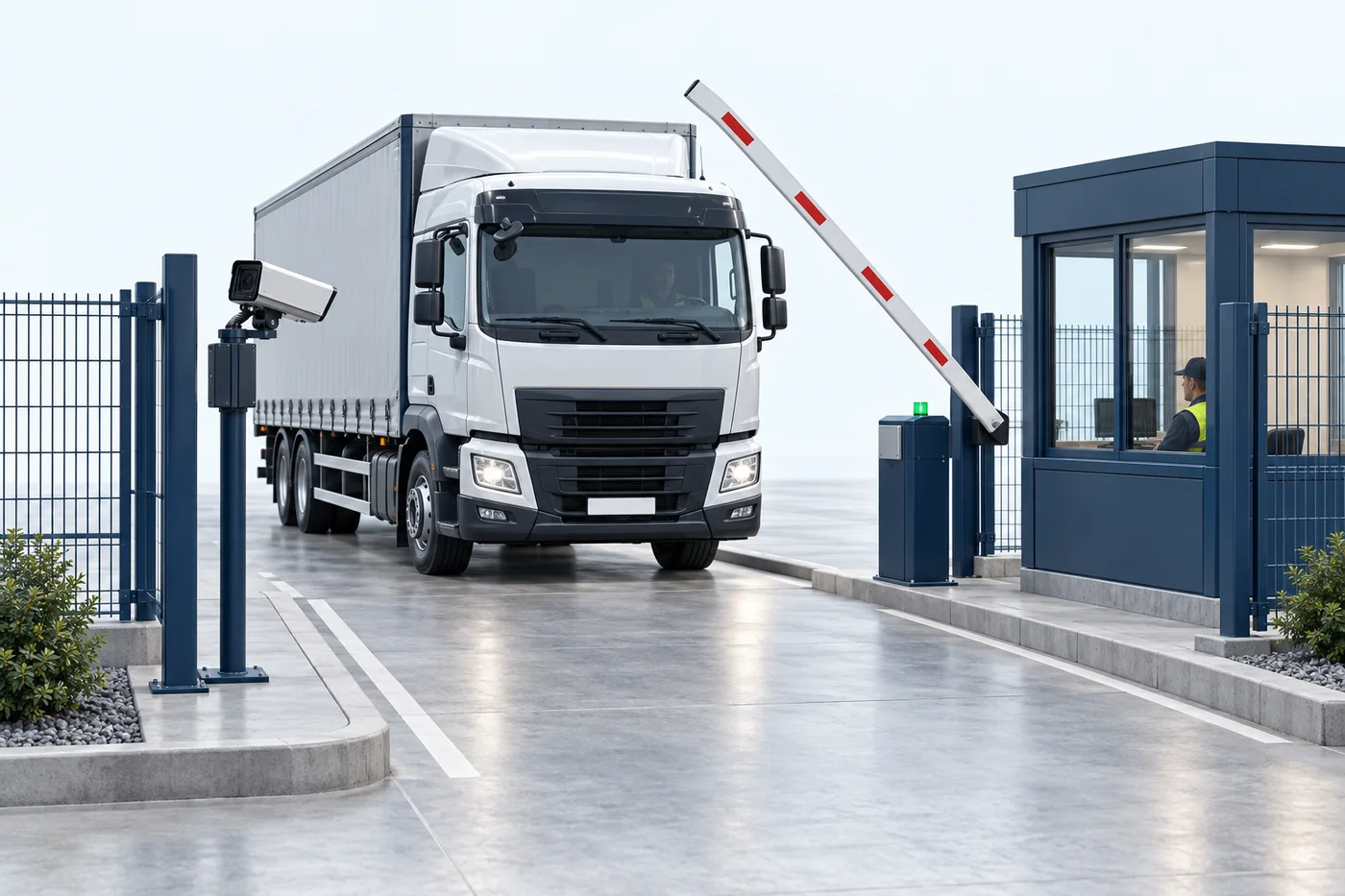
A plate event becomes useful context
Integration boundary
Recognition event from the selected interface.
Normalize, validate and handle repeats.
Pass the validated event to the permitted workflow.
An ANPR camera can recognise a plate while the operational application still knows nothing about the arrival. Integration closes that gap: receive the recognition event, interpret its fields, associate it with a vehicle or expected visit, then pass the validated event into the business workflow.
Integration feasibility depends on the interfaces provided by the selected ANPR camera or recognition platform. The starting point is the model, software version, event documentation, network arrangement and sample payload. A specification for one camera should not be assumed to describe another vendor's device.
Define the required action separately from recognition. Logging an arrival, checking a visitor, starting a yard visit and controlling a barrier require different business rules and failure handling. The integration should preserve that separation so a repeated or uncertain read does not become an unintended action.
Recognition may be visible locally but unavailable to the application that manages the visit.
A plate string may not yet identify an order, visitor, transporter or expected arrival.
Operators may re-enter information already observed by a camera.
Individual events may not be joined into a vehicle visit record.
Staff may need to compare recognition with authorization or schedule information separately.
An image needs a reliable relationship to its event, camera and timestamp.
Payloads, delivery methods and available metadata can differ between models and installations.
The actual method depends on the vendor, model, software and deployment. Review documentation and sample events before selecting an adapter.
Technologies
A supported camera or recognition service sends an event to a configured endpoint. Validate the payload and delivery behavior before using it to trigger business actions.
A backend retrieves available events through a vendor API. Define the cursor, interval and repeat handling so gaps or duplicate responses can be reconciled.
A vendor library may expose event subscriptions or queries. Evaluate runtime requirements, supported versions and the deployment environment.
Some systems transfer images or metadata as files. Correlate related files, detect incomplete deliveries and agree how the plate and event context are obtained.
An installation may expose recognition events through the recording or video-management system rather than directly from a camera. Confirm the actual event source.
A local service can receive supported events and forward normalized data to a backend. Buffering, restart behavior and connectivity handling need explicit design.
Normalize before acting
Capture
Plate and source metadata.
Deliver through the supported interface.
Translate the source payload.
Normalized record
Preserve the source event reference.
Include only when supplied or reliably established.
Apply the agreed validation and destination mapping.
Dashboard • Gate workflow • ERP • Yard workflow
Receive recognition events from the selected, documented source.
Connect using the interface supported by the actual platform and version.
Map source fields into an agreed vehicle-event structure while retaining original context.
Keep available image references linked to the corresponding event and source.
Compare the event with relevant registered or expected vehicle information.
Apply an allowlist or approval process where the requirement calls for it.
Relate events to a visit using the configured lane and direction context.
Pass validated events into the permitted gate process, with exception handling.
Associate accepted arrivals with the wider yard visit and status workflow.
Deliver normalized records to approved receiving applications.
Retain source, validation and forwarding outcomes for operational investigation.
Provide review for missing fields, uncertain recognition and failed downstream updates.
Confirm camera model, software, interface documentation and available sample events.
Agree identity, timestamps, image association and direction semantics.
Resolve vehicle context, repeated observations and ambiguous events.
Verify expected, unexpected and failed deliveries against the target workflow.
A vehicle can remain in view long enough to produce several observations. Define whether those observations represent one arrival, an updated recognition result or a new visit. Repeat handling needs the camera, lane, time and workflow context; suppressing every matching plate indefinitely would also discard legitimate return visits.
An unreadable or uncertain plate needs a manual review path. Lighting, angle, speed, occlusion and plate condition can affect recognition, so no fixed recognition result should be promised without evaluating the actual installation. Preserve evidence where available and distinguish source confidence from business authorization.
For cloud integration, agree how events cross the network boundary and which service initiates the connection. Access controls, transport protection, credential handling and image retention should be designed for the deployment. Images and plate data should follow the customer's privacy and retention requirements; the website does not imply a completed security assessment.
Capture recognized arrivals and departures against the site's visit-validation process.
Associate a truck arrival with its expected inbound or outbound movement.
Feed validated gate observations into the yard workflow.
Compare arrivals with available visitor or authorization records.
Use documented events as an input to parking validation and history.
Support bay context where camera placement and the workflow provide it.
Record arrivals at controlled camera points; this is not continuous fleet positioning.
Some cameras expose direct event delivery through HTTP, an API, an SDK or another interface. Others rely on a recognition service or video-management system. Confirm the exact model and software documentation, then test a real payload before deciding where the receiving service belongs.
Not in every architecture. Recognition may run on a camera, an edge service or another platform. An NVR can be involved in recording or event access in some installations. The integration path depends on where recognition actually occurs and which component exposes usable events.
It can where the source interface and network policy allow events to reach the application, directly or through an edge gateway. Define authentication, connectivity loss, retries and image-transfer handling. Do not assume that exposing a camera directly to the internet is required for integration.
Depending on the platform, an event may include an image reference, an attached image or a separately delivered file. Some installations offer retrieval through an API. The adapter must associate the image with the event and handle missing or delayed files according to the agreed retention and access policy.
Yes, recognition at suitable entry and exit points can feed a truck-visit workflow. Lane context, direction, validation and repeated-event handling are needed to interpret those observations. A plate event alone does not establish where the truck goes after passing the camera.
Different adapters may be possible, but support must be evaluated for each vendor, model and software interface. Availability of an API or SDK, payload detail and network constraints determine feasibility. There is no claim of universal camera compatibility or vendor partnership.
A combined workflow can use plate observations and RFID tag reads as separate evidence associated with the same vehicle visit. Define how conflicts, missing reads and timing differences are resolved. Neither observation should bypass the business validation required for entry or dispatch.
Possible fields include a plate string, timestamp, camera identity, direction, confidence and an image reference. The exact fields and their meaning vary by platform. Preserve missing values explicitly and confirm whether timestamps describe capture or delivery before using them to calculate visit durations.
Discuss your workflow
Share the camera model, current network architecture and the business event you need to capture. We can help evaluate the available integration options.